Nexus RMM: The Eyes and Hands Behind Every Student PC at Apni Pathshala
 Mohit Shrestha
Nexus RMM: The Eyes and Hands Behind Every Student PC at Apni Pathshala
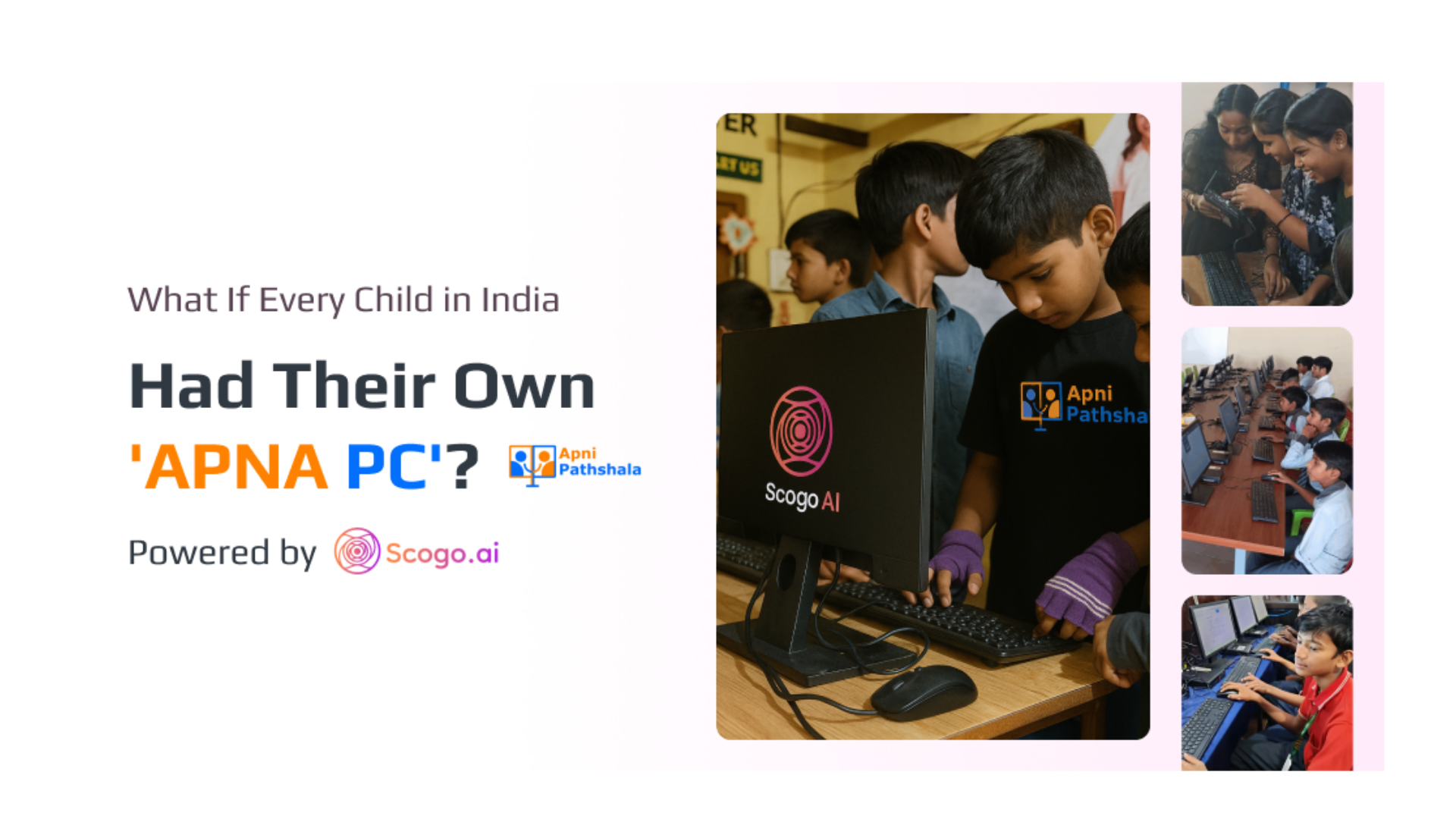
If you’ve ever been in a classroom, you know the scene: a teacher trying to explain a concept while a student’s laptop freezes, or the pod leader scrambling to fix yet another forgotten password.
At Apni Pathshala, this wasn’t just occasional frustration — it was the reality of wasted hours, disrupted classes, and stressed educators. Machines meant to enable learning had become obstacles. And no matter how well-intentioned the setup was, chaos reigned:
- Students creating admin accounts.
- Software installations spiraling out of control.
- Browsers filled with multiple profiles.
- Hours lost to troubleshooting instead of teaching.
It was clear: access without structure was failing everyone.
Enter Nexus RMM: The Solution You Don’t See but Feel Everywhere
When we at Scogo.AI designed Nexus RMM (Remote Monitoring and Management), the vision was simple but powerful: give central teams eyes and hands across every student machine, without being intrusive.
With a single-click installation, each device instantly becomes visible, manageable, and secure. No more running from classroom to classroom, no more relying on temporary tools like AnyDesk. The result? educators can focus on teaching, and technology works quietly in the background.
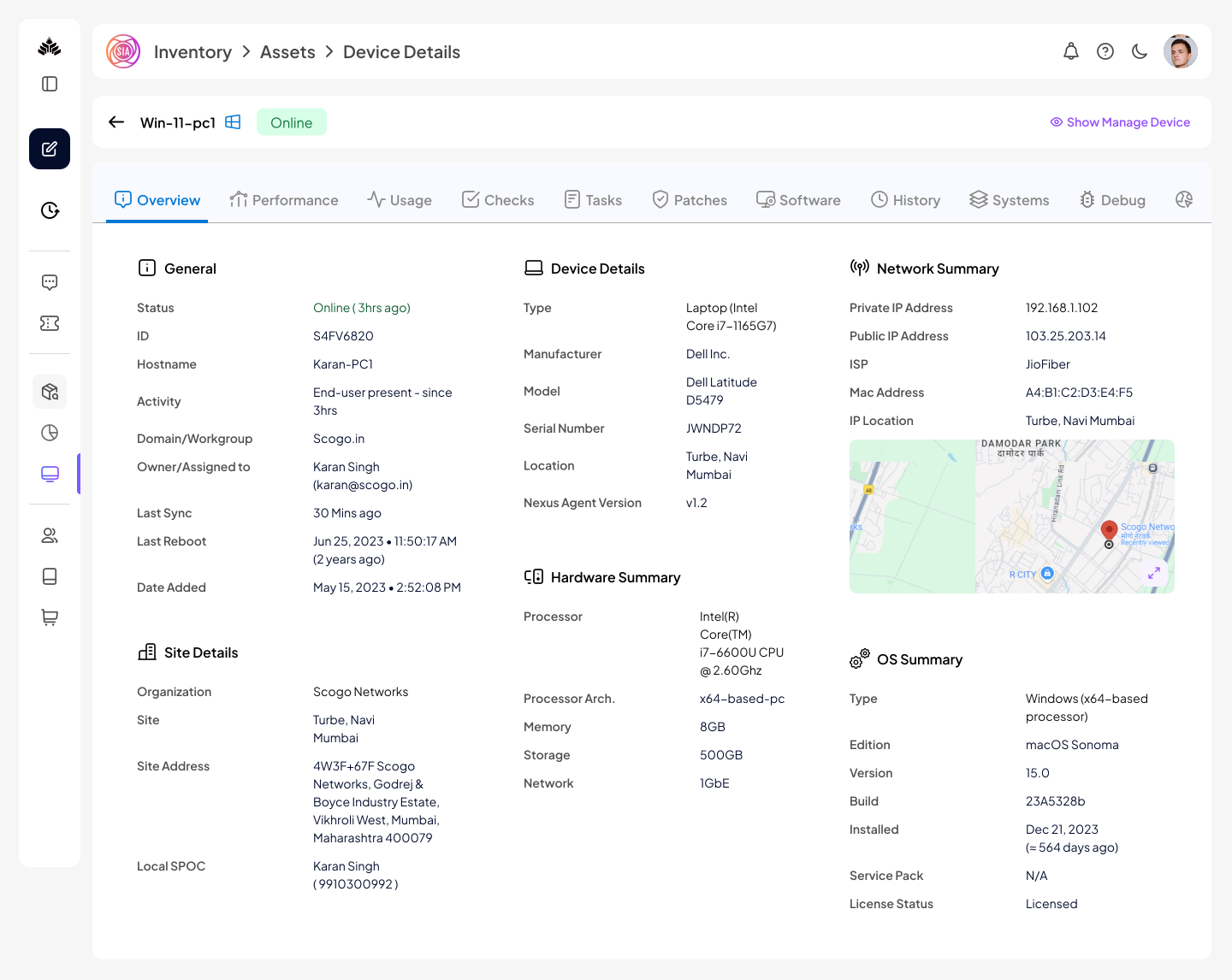
Full Control, Without the HeadacheWhat does full control look like in practice? With Nexus RMM, the central team can:
- Monitor system health: see machine status, last reboot, online/offline times.
- Run commands and scripts: automate repetitive tasks like OS updates, software installation, or performance checks.
- Take remote access: troubleshoot or assist students instantly, even from miles away.
- Manage software: install or uninstall applications without disrupting the learning flow.
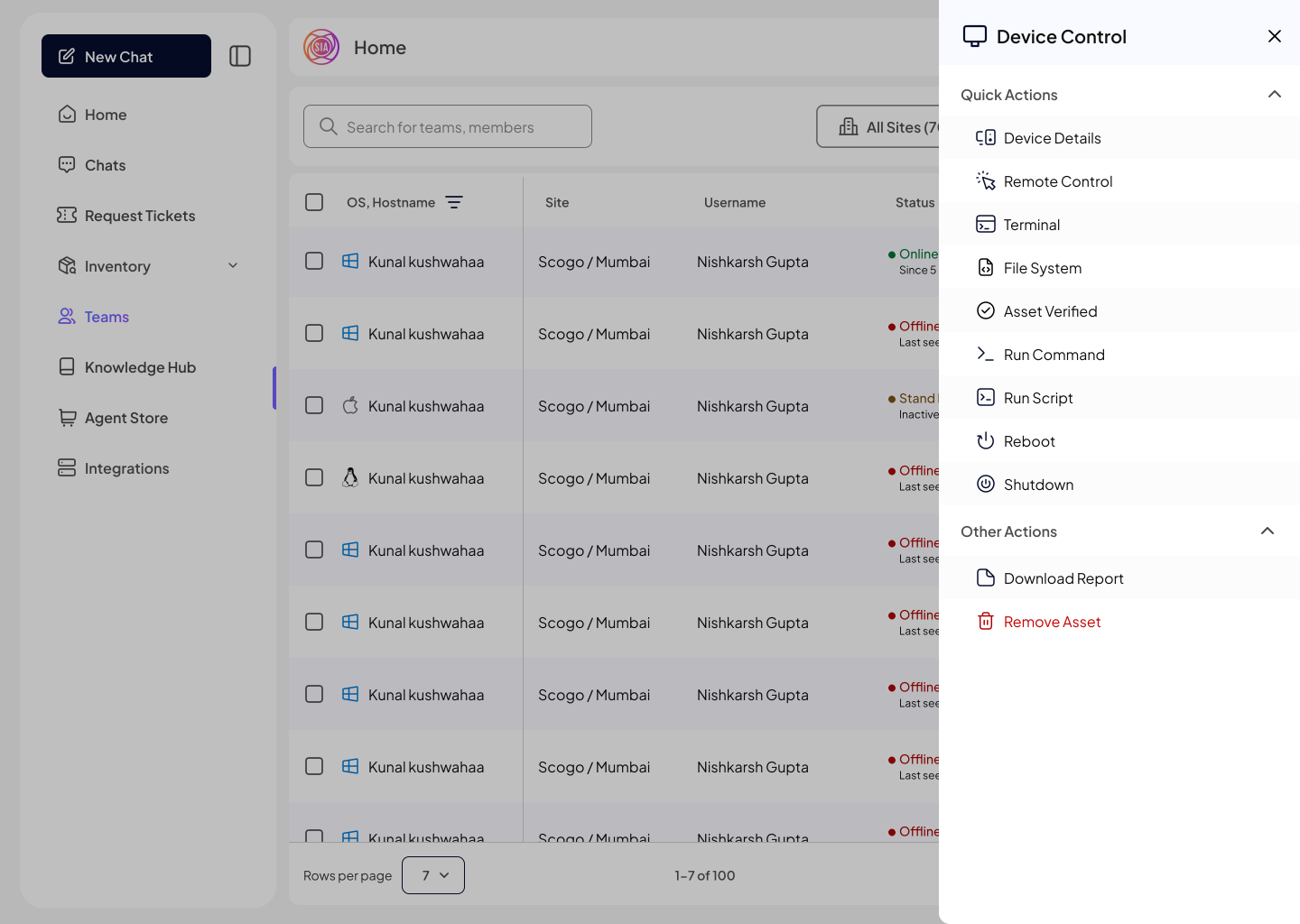
All of this happens seamlessly as soon as the machine connects to the internet — even in rural classrooms with inconsistent connectivity.
Automated Policies That Simplify IT Management
Nexus RMM doesn’t just give control; it works proactively. As soon as a machine goes live, predefined scripts automatically:
- Set wallpapers reflecting the Apni Pathshala brand.
- Rename hostnames for easy identification.
- Remove unauthorized browsers and install Chrome.
- Harden the operating system by creating three specific user types:
Student User: passwordless, limited privileges.
Admin User: managed by central IT for oversight.
Scogo IT User: reserved for technical support tasks.
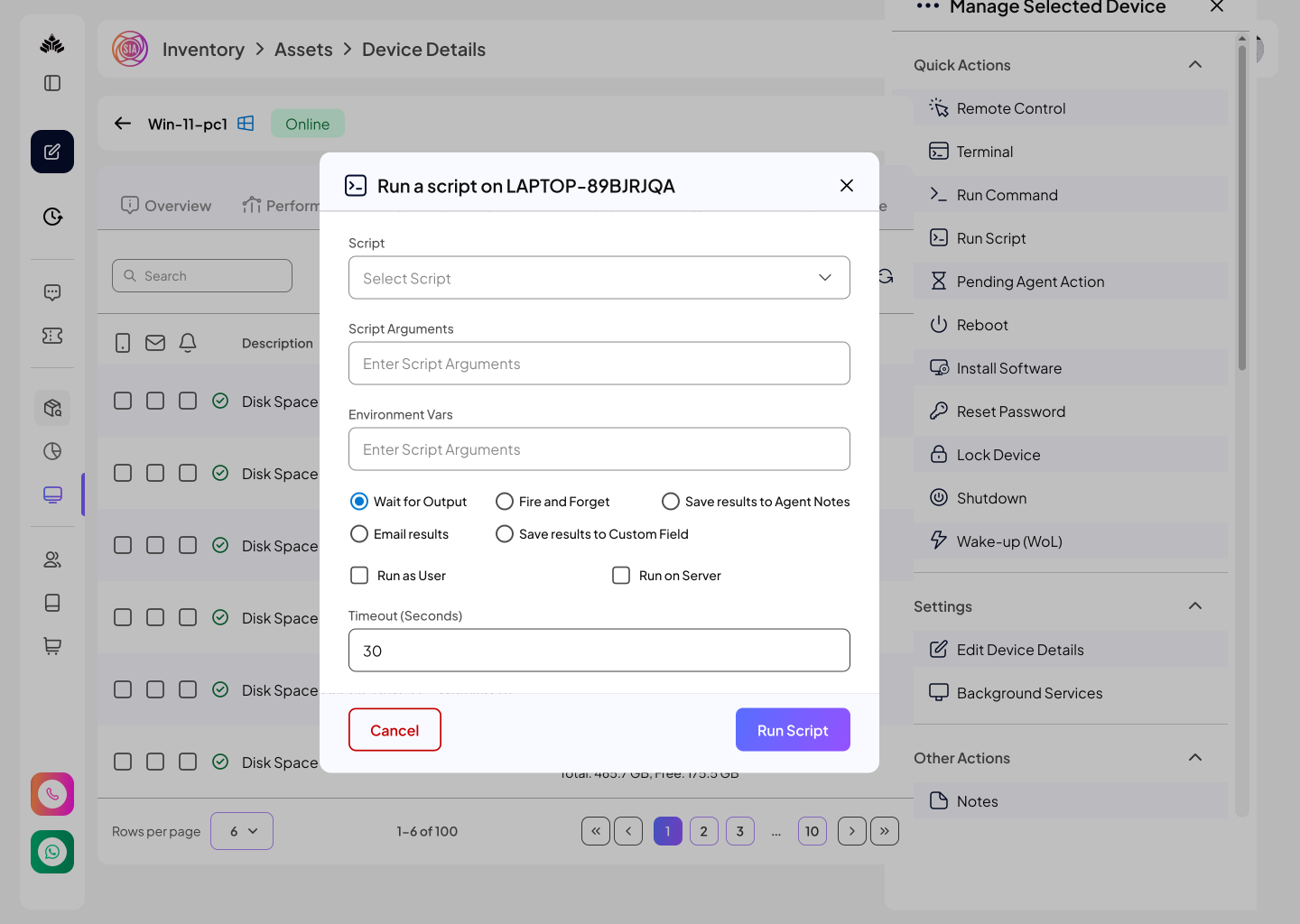
This ensures students can’t change settings, create new accounts, or install distractions — but the central team can manage everything remotely, efficiently, and securely.
Why Nexus RMM Matters: From Chaos to Clarity
Before Nexus RMM, the learning environment was unpredictable:
- Pod leaders spent more time troubleshooting than teaching.
- Students could bypass restrictions, download games, and alter configurations.
- Central IT teams had no real-time insight into device status.
- No Inventory Management Tool , everything is on a piece of Excel with zero visibility
Now, every login, update, and configuration is structured and secure. Machines no longer require constant human supervision — they report themselves, update themselves, and enforce policies automatically.Inventory is being managed automatically , central get to know clearly which site has got how many machines .
Educators regain hours of teaching time. Students learn without distraction. And central IT finally has a live dashboard of all machines, pods, and activity trends, giving clarity they never had before.
Beyond Monitoring: Enabling Smarter, Data-Driven Decisions
Nexus RMM isn’t just a monitoring tool — it’s a decision-making ally.
- Identify dormant or offline machines instantly.
- Track last activity and usage patterns to optimize support.
- Deploy bulk scripts at the individual, pod, or organization level, reducing manual overhead.
- Preempt issues before they disrupt learning.
Essentially, it transforms raw visibility into actionable insight, helping Apni Pathshala scale operations across multiple locations effortlessly.
Human Impact: Teachers, Students, and Parents
The real story of Nexus RMM isn’t technical — it’s human.
For pod leaders:
- Less stress, more teaching.
- Tools to assist students remotely.
- Confidence that systems are secure and standardized.
For students:
- Seamless, distraction-free learning.
- A consistent environment across devices.
- A tagged co-pilot which helps them during their learning and also they can report their issues to the central team , they can be vocal now directly with just a tap with the AP central team .
For parents:
- Peace of mind knowing their children’s digital environment is safe and monitored.
This balance of control and freedom creates a learning ecosystem that feels human-first, not tech-first.
The Road Ahead: Agentic Learning Meets AI
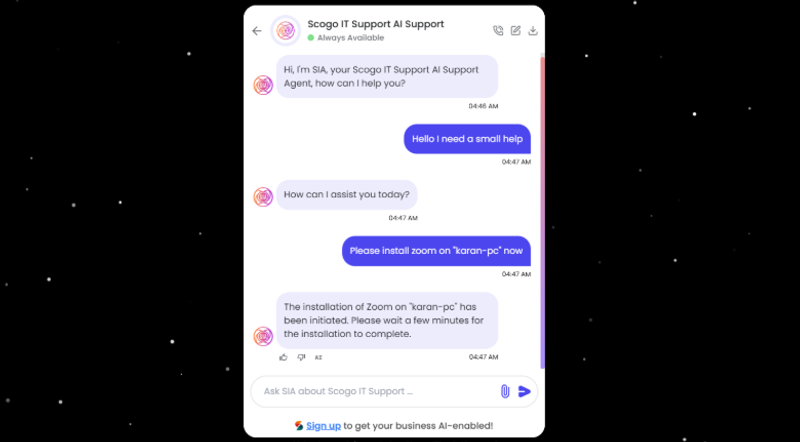
The vision doesn’t stop here. The future of Nexus RMM is AI-enabled, agentic operations, where pod leaders can:
- Issue commands via chat or voice (“Install Zoom on PC1 for Narayan”).
- Automate restrictions and software deployments without touching the device physically.
- Guide students with real-time AI assistance, directly on their screens.
Imagine a classroom where technology adapts to students and educators — instead of the other way around. That’s the promise of Scogo.AI and Nexus RMM.
Conclusion: Empowering Learning Through Structure
Technology should empower learning, not complicate it. Nexus RMM achieves exactly that: giving central IT teams, pod leaders, and students the visibility, structure, and intelligence needed to thrive.
Chaos turns into clarity. Stress turns into productivity. And every student gets the uninterrupted learning environment they deserve.
Because in education, access without structure is just noise — structure with visibility is power.
Ready to Experience Smarter Infrastructure?
See how https://scogo.ai, Nexus RMM, and Safenet can transform your shared systems.
Book a demo now to experience it live or let’s connect directly:
- Book a Demo with us : Book a Demo with Scogo.ai
- Connect with me on LinkedIn: Mohit's LinkedIn
We’re excited to help you build safer, smarter learning environments!
Reflective CTA:
How would your school or learning center change if every device could manage itself while still staying secure and productive? Imagine the hours saved, the focus regained, and the learning accelerated.
If you’re thinking about creating smarter, safer, and scalable digital learning environments, let’s start a conversation — because the future of education is structured, intelligent, and human-first.