The Invisible Threat in Every Shared Computers !! How Scogo.ai Fixed It
 Mohit Shrestha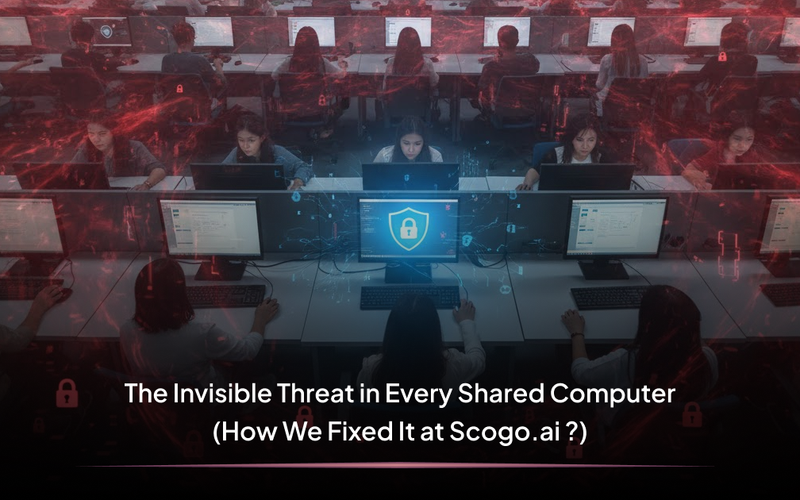
The Invisible Threat in Every Shared Computers !! How Scogo.ai Fixed It
The Risk You Can’t See: What’s Really Happening on Every Shared Computers
Walk into any classroom,school, community center and you’ll probably see a screen saver, some desktop shortcuts, and maybe a list of student accounts. One moment a user is working or studying; the next, they’ve clicked a suspicious link or tried to access sites stuffed with malware, distractions, or simply content that’s not appropriate. On a typical shared system , nobody finds out until trouble has already landed maybe after a virus pops up or a confidential file leaks.
Too often, users easily bypass weak controls, install software they shouldn’t, fall for phishing emails, or sneak into sections of the system meant only for admins. That wild freedom means just one unsafe click can lead to hours or days of headaches, lost data, and security risks for everyone, not just the person who caused it.
These dangers aren’t just from outside viruses or hackers. The real threat is built into the way shared computers are typically managed: students with too much power, clicks on unsafe links, unsupervised downloads, and secret admin accounts just waiting to cause problems. For years, these issues simmered quietly even as lost work, locked-out devices, and privacy messes piled up.
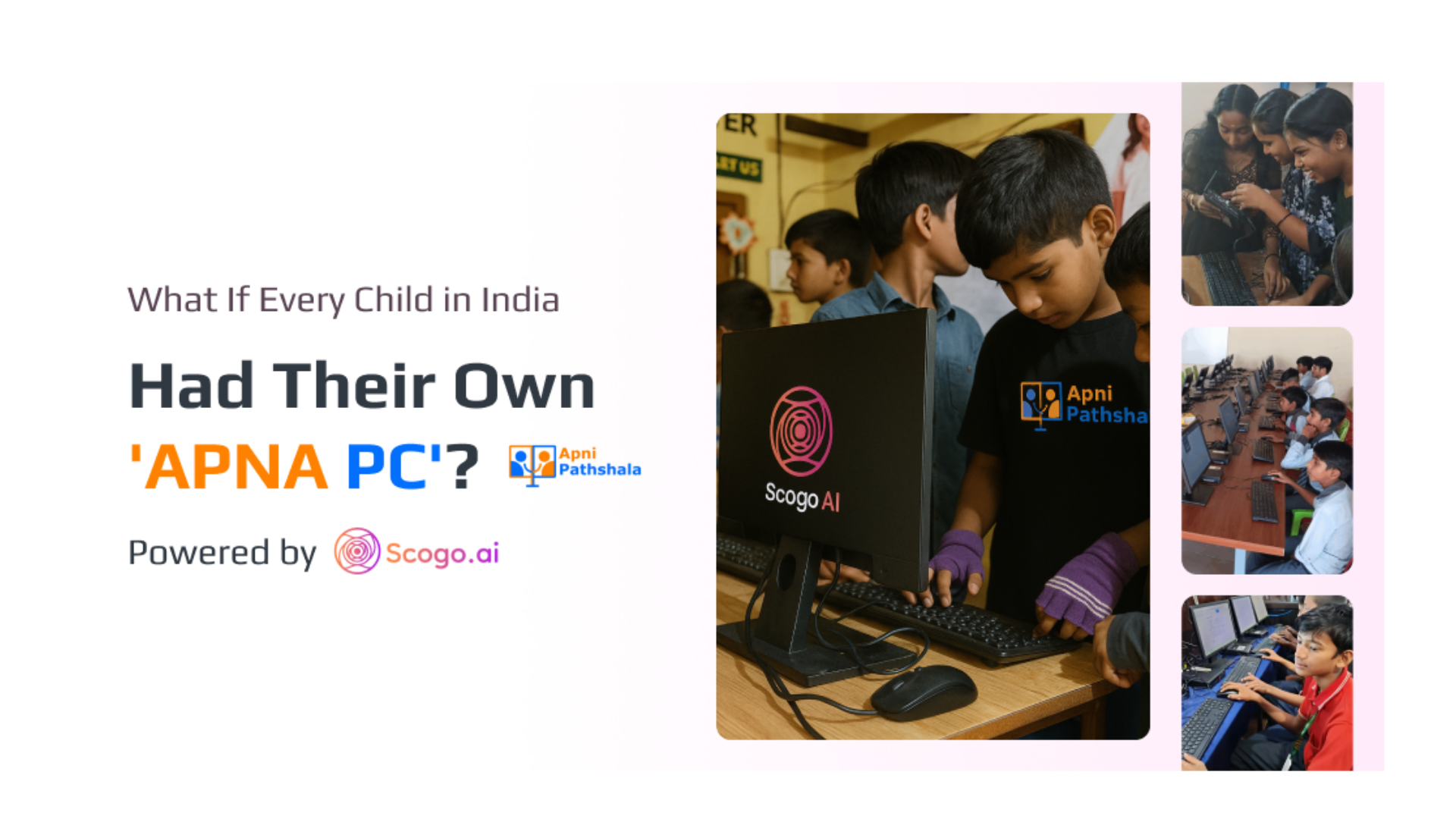
The Mess Shared Systems Made in Apni Pathshala
Anyone who’s managed or relied on a shared student computer at Apni Pathshala knows the struggle:
- A student gets admin rights and changes the system password, locking everyone else out—often right before an exam or important lesson.
- Anyone can install apps or browser extensions, bringing in viruses, distractions, or both.
- Clicking on suspicious links or phishing emails means malware or leaks, but there’s no way to know who clicked or when.
- Shared systems become playgrounds: new wallpapers, deleted files, countless hidden logins, and settings scrambled so badly that IT has to be called again and again.
All this leads to unpredictable, unsafe devices. Administrators spend hours troubleshooting. Learning gets interrupted, and security you can’t see is security you can’t trust.
How Scogo.ai Changed the Game for Apni Pathshala
We knew the old way wasn’t enough. At Scogo.ai, our goal was simple: the best way to beat invisible threats in Apni Pathshala’s shared computers is to stop them before they start.
Here’s how our solutions—Nexus RMM and SafeNet—make every shared student computer secure and stress-free.
1. The Nexus RMM Agent: Eyes, Ears, and Absolute Control
Now, we don’t just hope problems won’t happen. Our agent sits inside every Apni Pathshala computer, giving central administrators live, remote visibility and control around the clock.
- Instant User Management: Need to set user rights for a student account or revoke admin? One remote script is all it takes—no visits, no waiting.
- Lockdown, Unlocked: No more secret admin accounts. Only centrally approved logins can change real settings. If a student tries to break a rule, you see it instantly.
- Remote Fixes, Anytime: Run a security check, install updates, create or delete users across the whole school—just click and it’s done. Nexus RMM puts you in charge wherever you are.
2. SafeNet: The Guardrail for Browsing and a Stop to Unsafe Clicks
Online risks go beyond the device. One wrong click on Apni Pathshala computers can mean a virus, ransomware, or privacy breach.
- Whitelist and Blacklist: With SafeNet, you control which sites are allowed on shared computers. Only trusted educational sites go through. Social media, games, and risky sites are blocked instantly.
- Policy Enforcement: Students can’t install extra browsers, use incognito, or create hidden profiles. SafeNet keeps policies locked down and enforced.
- Click Protection: If anyone tries to access a dangerous link or blocked site, SafeNet stops them immediately. Every risky action is logged, so you know where curiosity nearly became a problem.
3. Stopping Problems Before They Start
Before Scogo.ai, one wrong click or app install could upend the whole lab. Now, with strong policies and restrictions, only trusted actions are allowed; everything else is blocked and noted immediately. That’s real prevention—not just repair after the fact.
4. Future-Ready: AI Support and Filtered Requests
Scogo.ai is building more smart safety. Soon, every Apni Pathshala student can request help or new software through an on-device AI, always within safe guardrails. If it’s not approved, their request is routed straight to an admin—never just allowed. No student is ever stuck, but no security risk slips past.
5. The Dashboard: Your Peace of Mind at a Glance
Everything comes together in our dashboard:
- See all devices used by Apni Pathshala students and teachers—who’s online, what’s running, and any actions that need attention.
- Track safe browsing, blocked attempts, and remote support.
- Map each computer to a serial number and staff for easy inventory verification.
No more guesswork. No more surprises. Just straightforward oversight and instant support for every shared school computer.
The End of Invisible Threats on Apni Pathshala’s Shared Systems
The days of unpredictable, unsafe student computers are gone. With Scogo.ai, Nexus RMM, and SafeNet, every Apni Pathshala shared device is secure—from admin rights to every single click. The invisible dangers that caused chaos before are now stopped at the source, and everyone—admins, teachers, parents, and students—gets to focus on learning.
Meta Description:
Discover how Scogo.ai’s Nexus RMM and SafeNet secure every shared computer in Apni Pathshala—ending invisible threats before they become a problem.Ready to Experience Smarter Infrastructure?
See how https://scogo.ai, Nexus RMM, and Safenet can transform your shared systems.
Book a demo now to experience it live or let’s connect directly:
- Book a Demo with us : Book a Demo with Scogo.ai
- Connect with me on LinkedIn: Mohit's LinkedIn
We’re excited to help you build safer, smarter learning environments!
Reflective CTA:
Ever lost learning time or trust because of trouble on a shared system in Apni Pathshala? Share your experience or worry below—Scogo.ai is here to help. Let’s make shared learning environments safe for good.